How to record your screen on Windows
On Windows 11, press Win+Shift+R and the Snipping Tool records the area you pick, with nothing to install. In a game or an app, Win+Alt+R from Xbox Game Bar works too. If you want your webcam on top, zooms on every click or personal data covered up, winshotx does it for free and with no account.
What Windows already includes
For a short video every now and then, this is enough:
- Snipping Tool, on Windows 11. Press Win+Shift+R, pick the area and select Start. To finish, select Stop and save the video.
- Xbox Game Bar, on Windows 10 and 11. Open the game or app and press Win+Alt+R to start, and again to stop. It records only that game or app.
How to record with winshotx
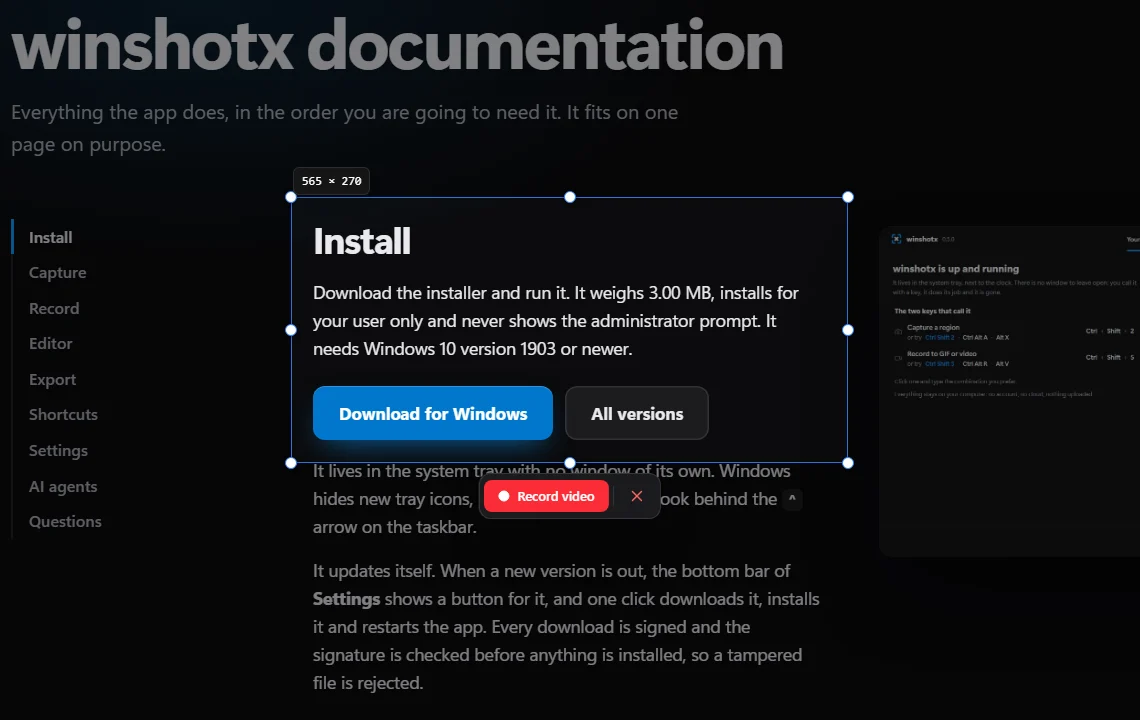
- Install winshotx. It weighs 3.03 MB, installs for your user only and never shows the administrator prompt.
- Turn on sound, if you want it. It is off by default: in Settings → Record, switch on System audio (whatever the speakers are playing) and Microphone (your voice).
- Press Ctrl+Shift+5 and drag over the area. When you let go of the mouse, it starts recording. To record just one window, leave the mouse over it and press W.
- Press Ctrl+Shift+5 again to stop. The editor opens with the whole recording.
- Trim and save. Drag the blue edges of the timeline and press Ctrl+S to export the MP4.
Missed it? With the ring on, Ctrl+Shift+6 keeps the last 15, 30 or 60 seconds without having pressed record beforehand.
What winshotx adds
The three of them, row by row, including where Windows wins:
| What | winshotx | Snipping Tool | Xbox Game Bar |
|---|---|---|---|
| Record MP4 video | At 15, 30 or 60 fps | Yes | Of the game or app |
| PC sound and microphone | Each on its own track | Yes | Yes |
| Your webcam on top | Round or with corners | No | No |
| A video with zooms that follow your clicks, and a background | Yes, on export | No | No |
| Cover personal data in a video | Yes | No | No |
| The last seconds, without pressing record | 15, 30 or 60 s | No | 30 s of the game |
| Comes with Windows | No | Yes | Yes |
Using something else? See winshotx against OBS Studio, Xbox Game Bar or ShareX.
Questions
How do I record my screen on Windows 11 without installing anything?
With the Snipping Tool: press Win+Shift+R, pick the area and select Start. To finish, select Stop and save the video.
Does it record PC sound and the microphone?
Yes: the system audio (whatever the speakers are playing) and your microphone, each recorded on its own track and with its own volume in the editor. Both are off by default: each has its own switch in Settings → Record, you turn it on before recording and either can go alone.
Is winshotx free?
Yes, all of it. It's open source under the MIT licence: the full code is on GitHub, with no time limit and no feature locked behind a payment.
Which versions of Windows does it run on?
Windows 10 (version 1903 or later) and Windows 11.