How to record a GIF of your screen on Windows
Windows does not record GIF for everyone yet: in the Snipping Tool it is Insiders only, and up to 30 seconds. With winshotx you press Ctrl+Shift+5, then G, drag over the area and get a GIF. There is no FFmpeg to install.
How to record a GIF with winshotx
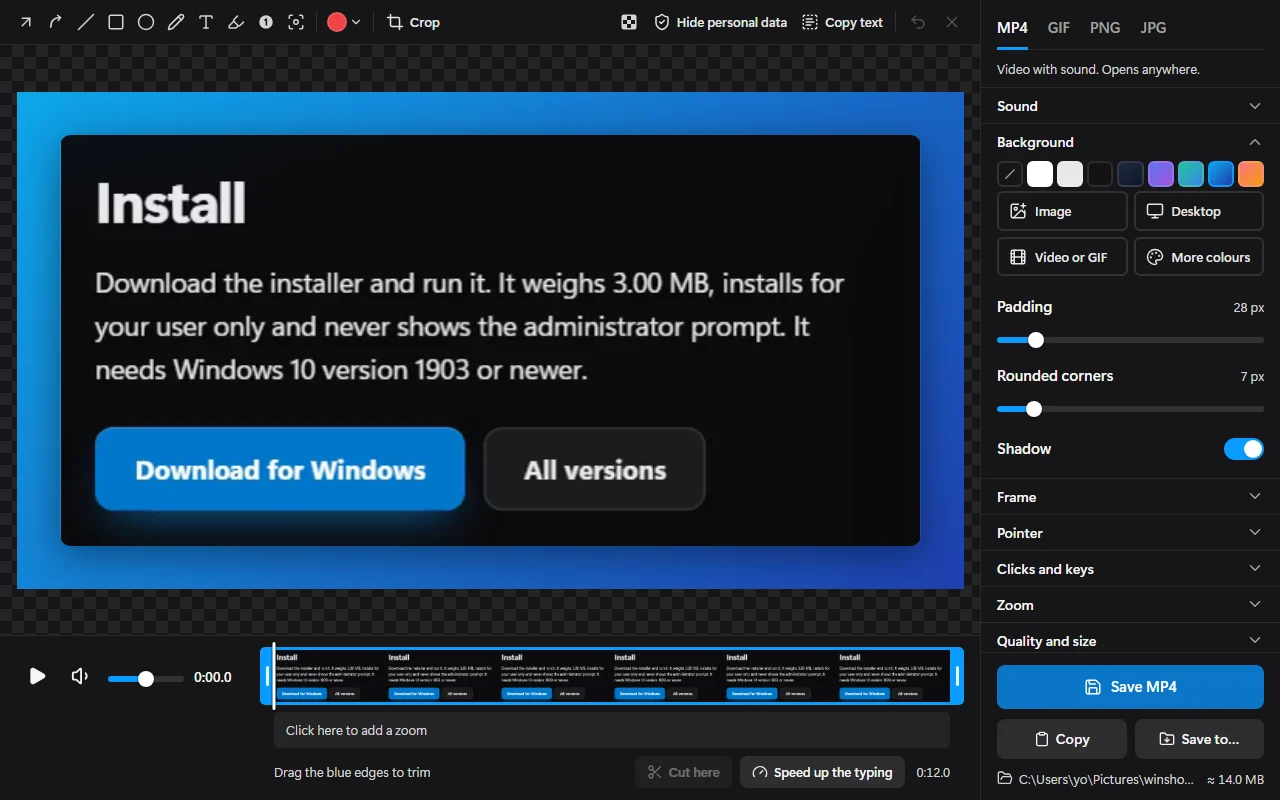
- Install winshotx. It weighs 3.03 MB, installs for your user only and never shows the administrator prompt.
- Press Ctrl+Shift+5 and then G. The G key switches from video to GIF before you crop.
- Drag over the area. When you let go of the mouse, it starts recording.
- Press Ctrl+Shift+5 again to stop. The editor opens, already on GIF.
- Trim and save. Drag the blue edges of the timeline and press Ctrl+S. The panel shows the estimated size before writing anything.
When to use GIF and when MP4
- GIF. Short interface clips. It loops everywhere with no player.
- MP4. Anything longer than a few seconds, or with a lot of movement.
Compared with other GIF tools
If what you need is editing a GIF frame by frame, ScreenToGif does it and winshotx does not:
| What | winshotx | ScreenToGif | ShareX |
|---|---|---|---|
| Record GIF | Yes | Its specialty | Yes |
| Edit a GIF frame by frame | No | Yes | No |
| Arrows, text and numbered steps | Eleven marks | No numbered steps | Yes |
| Record MP4 video | At 15, 30 or 60 fps | With FFmpeg, separately | Yes |
| Installer | 3.03 MB | 75 MB | 145 MB |
Using something else? See winshotx against ScreenToGif or ShareX.
Questions
How do I record a GIF of my screen on Windows?
Press Ctrl+Shift+5, drag over the area, and press it again to stop. The editor opens with every frame and the export panel writes the GIF. There is no FFmpeg to install.
How do I paste a GIF into Slack or Discord?
Use Copy in the export panel. A PNG goes to the clipboard as an image, and a JPG, a GIF or an MP4 go as a file and as their written path at the same time: they paste straight into Slack, Discord or File Explorer, and into any text box the path comes out instead.
Does the GIF have sound?
No, the GIF format does not store sound. If you need it, record in MP4: the PC sound and your microphone each go on their own track.
Is winshotx free?
Yes, all of it. It's open source under the MIT licence: the full code is on GitHub, with no time limit and no feature locked behind a payment.