ScreenToGif alternative for Windows
winshotx is a ScreenToGif alternative for Windows 10 and 11 and for Linux, free and with no account. Its installer weighs 3.03 MB; ScreenToGif's, 75 MB. Where winshotx wins: a video with zooms that follow your clicks, and a background; covers the personal data in a video by itself; and an AI agent can drive it. Where ScreenToGif wins: speaks more languages; uploads the shot and gives you a link; and edits a GIF frame by frame.
Head to head
What the installer weighs.
Where winshotx wins
- A video with zooms that follow your clicks, and a backgroundScreenToGif: no
- Covers the personal data in a video by itselfScreenToGif: no
- An AI agent can drive itScreenToGif: no
- Covers the personal data in an image by itselfScreenToGif: no, by hand
- Keeps the last seconds without pressing recordScreenToGif: no
- Pins a shot on top of everythingScreenToGif: no
And also: runs on Linux; captures a long page, scrolling by itself; reads the text in an image, and in a video; puts your webcam on top of the video; draws arrows, text and numbered steps; records MP4 video; records PC sound and the microphone; and captures an area of the screen.
Where ScreenToGif wins
- Speaks more languagesScreenToGif: 29 languages; winshotx, 3
- Uploads the shot and gives you a linkScreenToGif: yes
- Edits a GIF frame by frameScreenToGif: yes
Both: record GIF.
How to get started
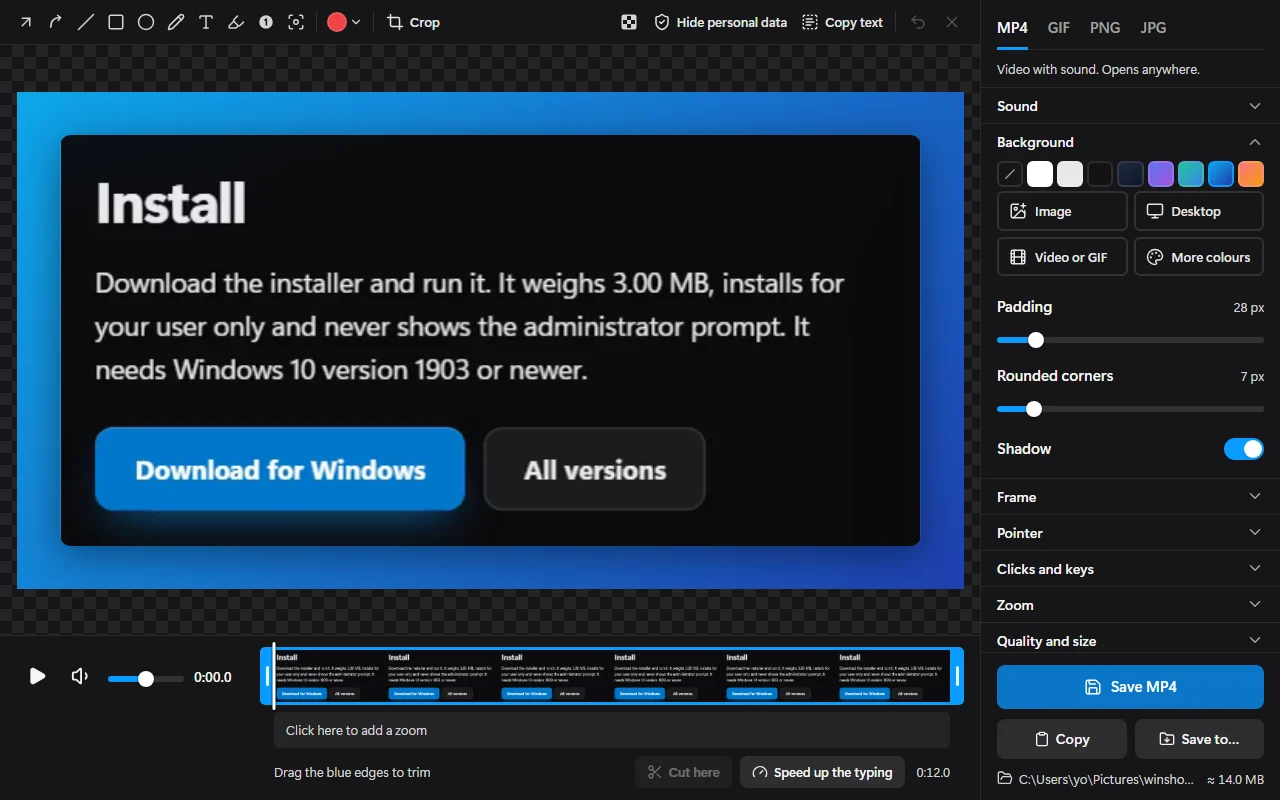
- Install winshotx. It weighs 3.03 MB, installs for your user only and never shows the administrator prompt.
- Capture with Ctrl+Shift+2. Drag over what you want.
- Record with Ctrl+Shift+5. Drag over the area, and press the same shortcut again to stop.
- Change the shortcuts if you like. In Settings, click the field and press the combination you want.
Step by step: record your screen, take a screenshot and record a GIF.
Questions
Can it be used for free at work?
winshotx, yes: it is free, for work too. ScreenToGif: yes.
How much does each one weigh?
The winshotx installer weighs 3.03 MB. ScreenToGif: 75 MB.
What does ScreenToGif do better?
Speaks more languages: 29, against 3 in winshotx. Uploads the shot and gives you a link. Edits a GIF frame by frame.
Where does winshotx beat ScreenToGif?
A video with zooms that follow your clicks, and a background (ScreenToGif: no). Covers the personal data in a video by itself (ScreenToGif: no). An AI agent can drive it (ScreenToGif: no).
Where the data comes from
Checked on 15 November 2026 on each one's website, help pages and release notes: Snipping Tool, Xbox Game Bar, ShareX 22.4, Greenshot 1.3, Flameshot 15, ScreenToGif 2.43, OBS Studio 33, Lightshot, PicPick 7.6, Snagit 2027. "No" means it is not in any of its official sources; ScreenToGif is the version its author now calls the old one. If something has changed, tell me and it gets fixed.